



Data & security

Cyber Security & Phishing

Spot phishing by email, text and phone, stop invoice and CEO fraud, sign in safely with passkeys and 2-step verification, and know what to do and where to report if a scam gets through. A 20-minute companion to the NCSC's free Top Tips for Staff.

  • 20 min
  • 4 lessons
  • English
  • United Kingdom
  • Last reviewed 21 November 2026

Covers: UK (NCSC and Home Office guidance; reporting routes for England, Wales and Northern Ireland (Report Fraud) and Scotland (Police Scotland))

What you will learn

  • Spotting a scam

    Spot the five pressure signs in an email, text or call (authority, urgency, emotion, scarcity and current events) and check another way before you act.

  • Stopping payment fraud

    Stop invoice, salary and CEO fraud by confirming old and new bank details on a number you already hold and following your sign-off process.

  • Signing in safely

    Use a passkey where one is offered; otherwise a separate password, such as three random words or one from a password manager, with 2-step verification.

  • Reporting and recovering

    Report suspicious messages inside your organisation and to the NCSC, and know what to do after a click, including reporting lost money to Report Fraud or Police Scotland.

How this course was checked

  • More than 140 statements traced to 7 sources
  • Checked twice, independently, before publication. Every correction was checked again.
  • Last reviewed 21 November 2026. Next review due 21 November 2027.

What changed

  • 1 First published.
Spotted something wrong or out of date? Report an error

Report an error

Tell us what looks wrong or out of date in Cyber Security & Phishing, and where. We check every report against the sources and correct the course if needed.

Lessons

1 module, 4 lessons

  1. Cyber security at work

    • Spot the scam The five pressure signs, why spelling is no longer the test, checking another way, and where to report a suspicious message.
    • Payments and people Invoice, salary and CEO fraud, with a scenario on a supplier's changed bank details, plus phone and QR code scams.
    • Sign in safely, and if you clicked Passkeys first, then a separate password with 2-step verification; your devices; what to do if you clicked or entered your password, and where to report.
    • Check your understanding Eight questions on the whole course. You need 80% to pass.

Try the first lesson

This is the first lesson exactly as your learners will see it. The rest of the course opens in your own portal.

Lesson 1: Spot the scam
In a café, a person working on a laptop with a cup of coffee pauses to look carefully at a message on their phone

Spot the scam, check another way, and report it

Spot the scam

Phishing is by far the most common kind of cyber attack that UK businesses and charities report. It comes by email, text and phone, and the giveaway is pressure, not spelling.

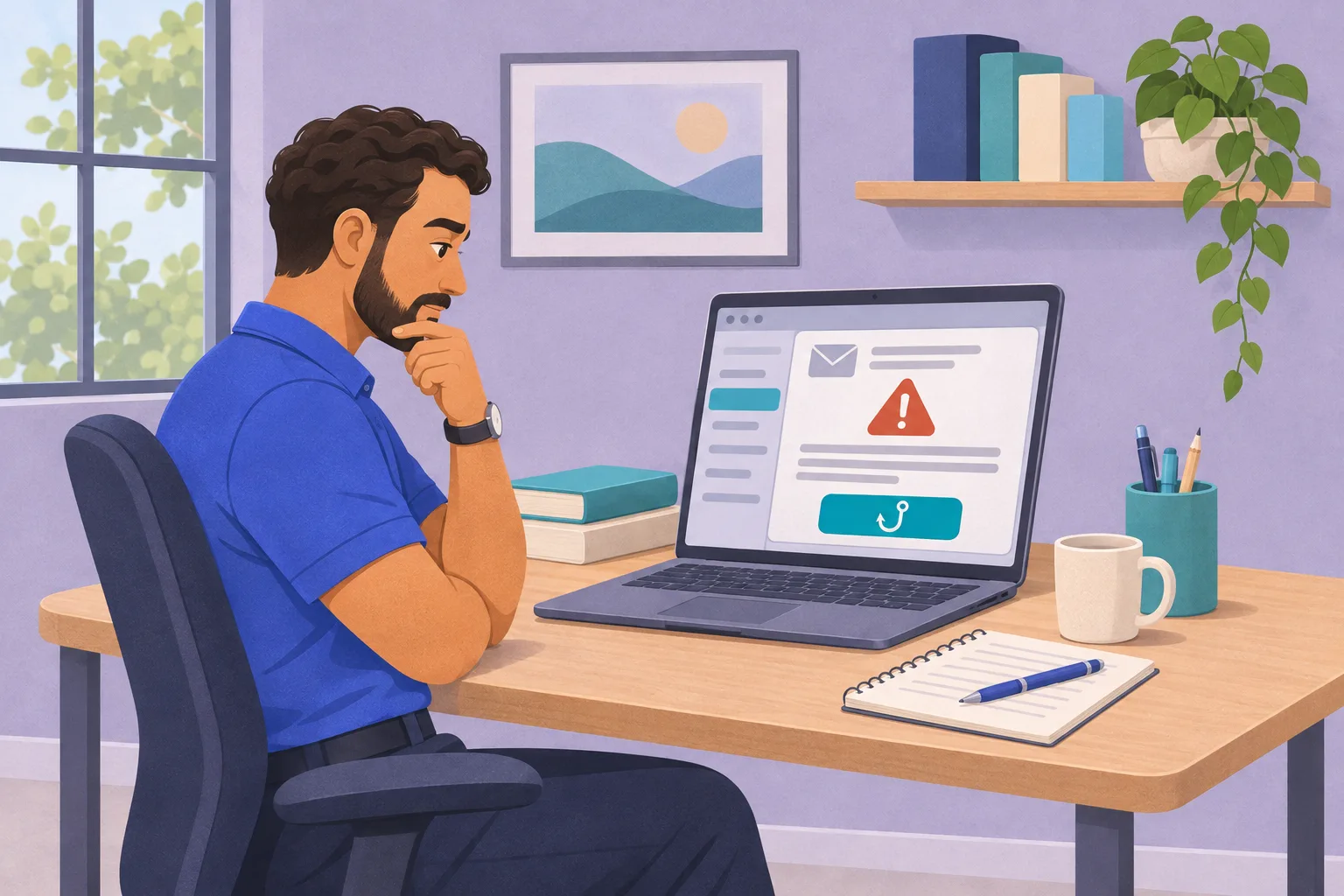
A person at a desk pauses, hand to chin, in front of a laptop showing an email with a warning sign and a button marked with a fish hook

What phishing is

Phishing is when criminals use scam emails, text messages or phone calls to trick you. The aim is often to make you visit a website that may download a virus, or to steal bank details or other personal information.

Criminals use what they can find about you online, including on social media, to make their messages more convincing. Anybody might be fooled at some point.

Spelling is no longer the test. Scams used to be easier to spot by their bad spelling or grammar. Generative AI can now write convincing messages without the mistakes that often gave phishing away. A mistake is still a clue, but a well-written message is no proof that it's genuine.

Five pressure signs

SignAsk yourself
AuthorityDoes it claim to be from someone official, such as your bank, a solicitor or a government department?
UrgencyAre you told you have a limited time to respond, such as "within 24 hours" or "immediately"? Is there a threat of a fine?
EmotionDoes it make you panic, or feel fearful, hopeful or curious?
ScarcityIs it offering something in short supply, such as tickets or money, so you act before you miss out?
Current eventsWere you expecting it? Scams often use news stories, big events or times of year, such as tax reporting.

Of UK businesses that identified a breach or attack in the last 12 months, 88% had experienced phishing.

Check another way

If a message or call makes you suspicious, stop and break the contact. Then check another way: contact the person or organisation directly, on details you already hold or from their official website, never the number, link or address in the message.

Your bank will never ask for personal information by email, or call and ask you to confirm your bank account details. To check, ring the number on your card, not the one in the message. Some requests are warning signs in themselves: a code read out, remote access you didn't ask for, or your details through a link.

Scam, low risk, or check another way first?

0 of 9 sorted

Report it, even if you're not sure

Tell your organisation

Forward emails

Forward texts

Sources: NCSC, Phishing scams: how to spot and report them, with its pages on spotting scams and reporting scam emails and texts (read 21 November 2026); NCSC, The near-term impact of AI on the cyber threat (24 January 2024); DSIT and Home Office, Cyber Security Breaches Survey 2025/2026 (30 April 2026); Stop! Think Fraud (Home Office), Protect your business (read 21 November 2026); NCSC, Top Tips for Staff (19 May 2025).

Sources

About this course

Length
20 min
Lessons
4
Language
English
Law covered
UK (NCSC and Home Office guidance; reporting routes for England, Wales and Northern Ireland (Report Fraud) and Scotland (Police Scotland))
Last reviewed
21 November 2026
Next review
21 November 2027
Version
1

Common questions

Is this course really free?

Yes. Start a free 14-day trial and the course is in your portal straight away, branded to you, with no card needed. Every paid plan includes it at no extra cost.

Can I add this course to my own LMS?

Yes. Export it as a SCORM 1.2 or SCORM 2004 package and upload it to any LMS that supports SCORM. A free trial includes one SCORM export.

Can I add our own policies and contacts?

Yes. The course marks where to add your organisation's details, and the copy in your portal is yours to edit.

Is this course accredited?

No. It is awareness training. It is not accredited or CPD-certified and has not been reviewed by a professional body.

More free courses

Data & security

UK GDPR Essentials

What counts as personal data, the seven principles and seven lawful bases, handling data safely day to day, and how to spot and pass on a breach, a subject access request or a complaint: UK GDPR awareness for staff and volunteers.

25 min · 5 lessons · United Kingdom

Reviewed 21 November 2026

Governance & ethics

Anti-Bribery and Corruption

Anti-bribery awareness for staff in sales, buying, partnerships and fundraising: the four offences under the Bribery Act 2010, why an offer is enough, gifts and hospitality (no legal £ limit), facilitation payments, red flags with agents, and how to report a concern. Covers the whole UK.

20 min · 4 lessons · United Kingdom

Reviewed 21 November 2026

Health & safety

COSHH Awareness

COSHH awareness for cleaning, catering, maintenance and workshop staff in Great Britain: what COSHH covers, how to read a label's hazard pictograms and signal words, the safety data sheet sections to read first, COSHH's order of controls with PPE last, and how to protect your skin and breathing.

25 min · 5 lessons · United Kingdom

Reviewed 21 November 2026

Give your team a portal with these courses already in it

Start a free 14-day trial, choose your courses and invite your learners in minutes.